Installing Mods
Learn how to find, install, and configure mods on your Minecraft server.
Installing a new mods
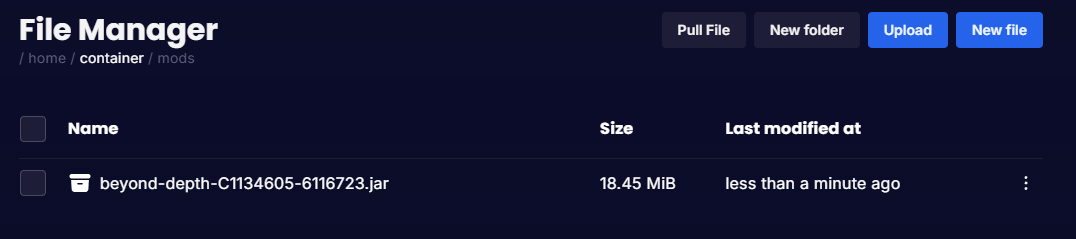
When installing a new mod it will automatically add the .jar file into the '/mods' folder meaning all you have to do is restart your server!
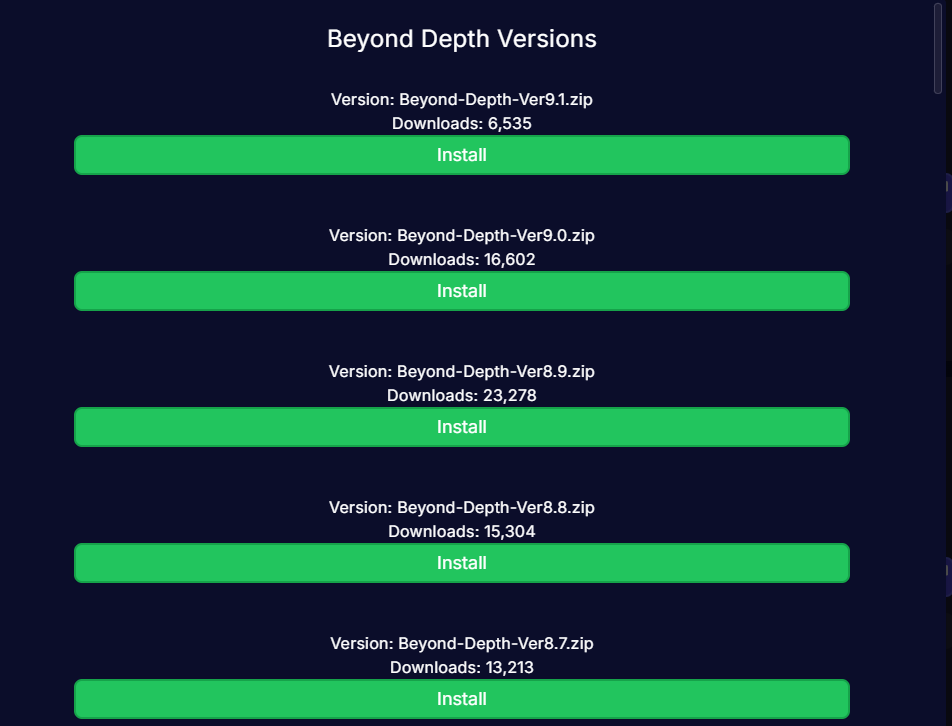
When on the Mod Installer page, click or search for the mod you are looking for then click on "Install" to install the latest version or click on "Versions" to choose your own version.
Important: you must install the same version on your local machine!
Choosing your Mod's versions
It's highly recommended to use the latest versions of the mod to make sure you have the latest bug fixes.
When you click on "Versions" on the mod you are looking to install, you will get a pop up to choose the version you want!
How to know if it's installed properly
To check if the mod has installed properly, head over to your 'File Manager' and go in the 'Mods' folder.
You will see the .jar of the Mod in there.