Version Changer
Learn how to navigate the Version Changer on our Game Panel.
Supported Versions
We currently support the following:
- Vanilla Minecraft
- PaperMC
- Spigot
- Purpur
- Fabric
- BungeeCord
- Forge
- NeoForge
- Sponge
All are updated with their latest build. (Including in development builds).
Choosing a new version
It is recommended to backup your server.
When you want to change versions head over to the Version Manager page on the panel and you will be greeted with this.
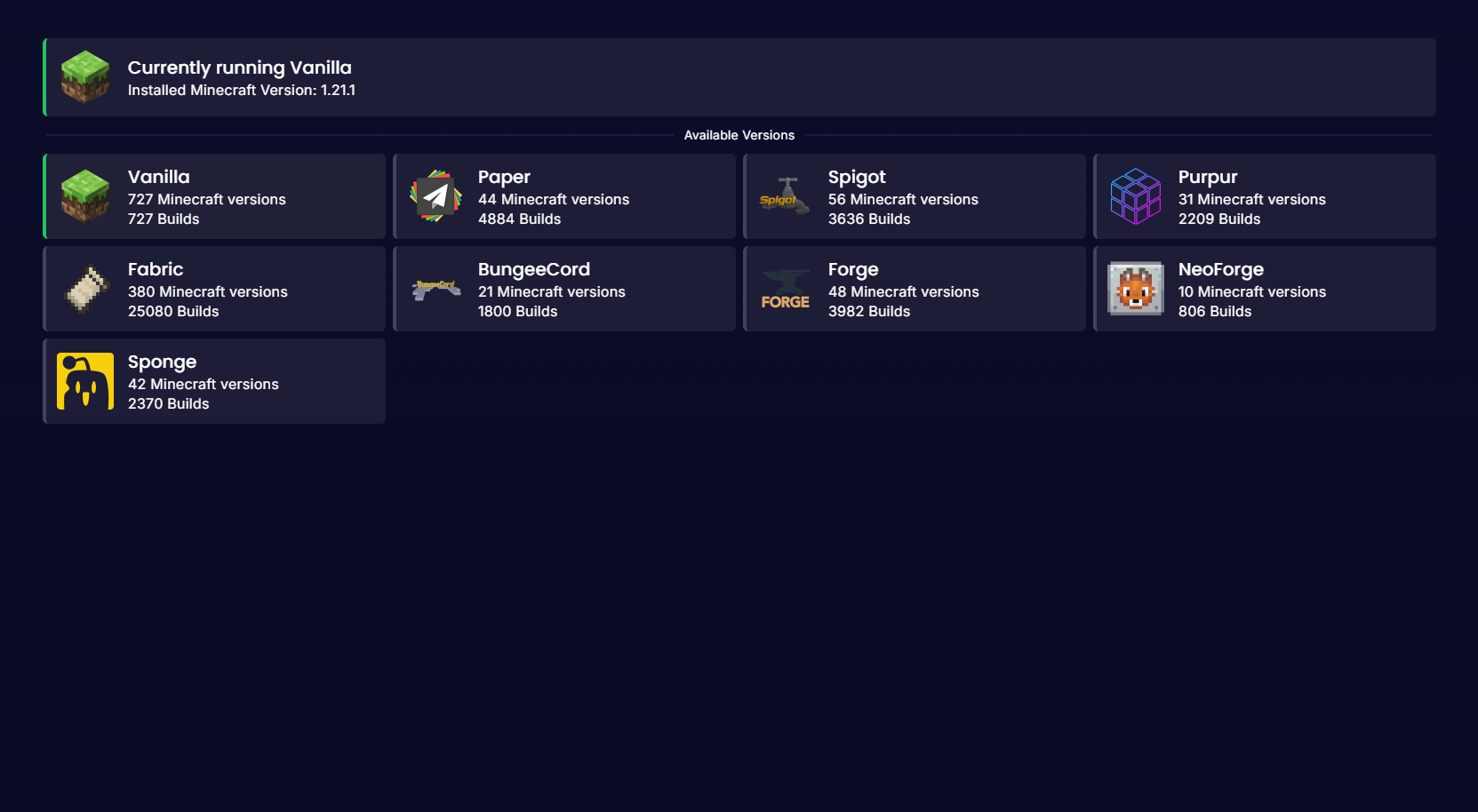
Click on any Minecraft Version you like then click on which Minecraft Version you would like to use.
On the pop up, you will be given the option to choose a build (Latest or previous builds) and if you want to Wipe Server Files.
It is recommended to use the latest builds for the latest bug fixes.
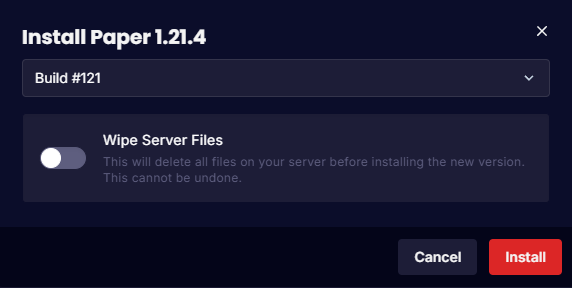
Once you are happy with the build and if you want to wipe your files or not click on "Install" and the version will change!
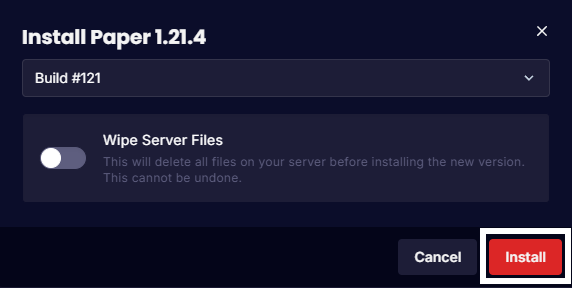
Then head to your console page and start up the server and it will install!