Making yourself an Operator/Admin
Learn how to set yourself as an Operator/Admin
1 min readUpdated January 17, 2025Rizon
gamehytale
Once your server is installed and logged in. Follow this to make yourself an Operator/Admin
-
Stop your server
-
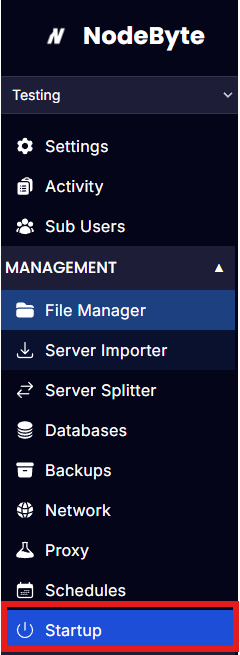
Go to "Startup"
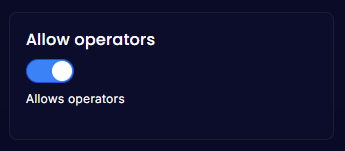
- Look for "Allow operators" and toggle it to true
-
Start your server
-
Load up your server
-
Press Enter and type
/op selfthen press enter
You should see a message like this:

WARNING: YOU MUST CHANGE THIS OPTION BACK TO FALSE OTHER WISE EVERYONE CAN MAKE THEMSELEVES OPERATOR/ADMIN
To do this do the above, but change the "Allow operators" to false
Adding other players as an Operator/Admin
This is quick and easy to do!
Press enter inside your server and type in /op add <player name | UUID>
Removing other players as an Operator/Admin
This is quick and easy to do!
Press enter inside your server and type in /op remove <player name | UUID>