Setting up your hytale server
Learn how to setup your hytale server
1 min readUpdated January 17, 2025Rizon
gamehytale
Logging in on the panel
Once the installaion is complete please run auth login device
You will see a message like this in your console

Click on the bottom link (easier)
You will then be taken back to this page. Click on approve.
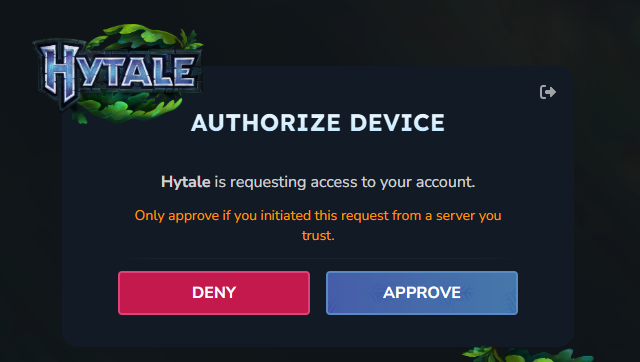
Once you see this page you can close the tab.
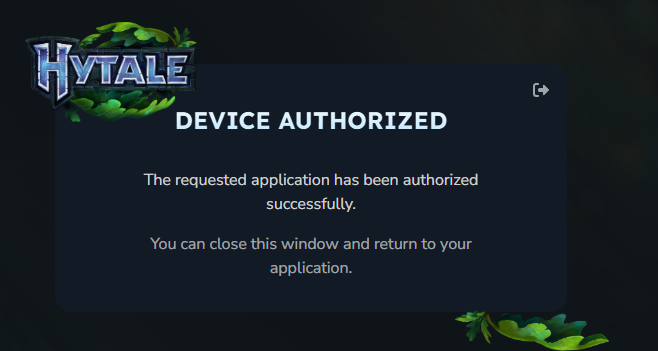
Back on the panel run auth persistence Encrypted this will save your details to the files encryted. Failing to do this means you will have to sign in everytime the server is rebooted.
We also install and configure "Hytale Performance Saver Plugin" which is recommended by the Hytale Team.
Want to learn more? Visit their github
That's it! Enjoy playing on a Hytale server!